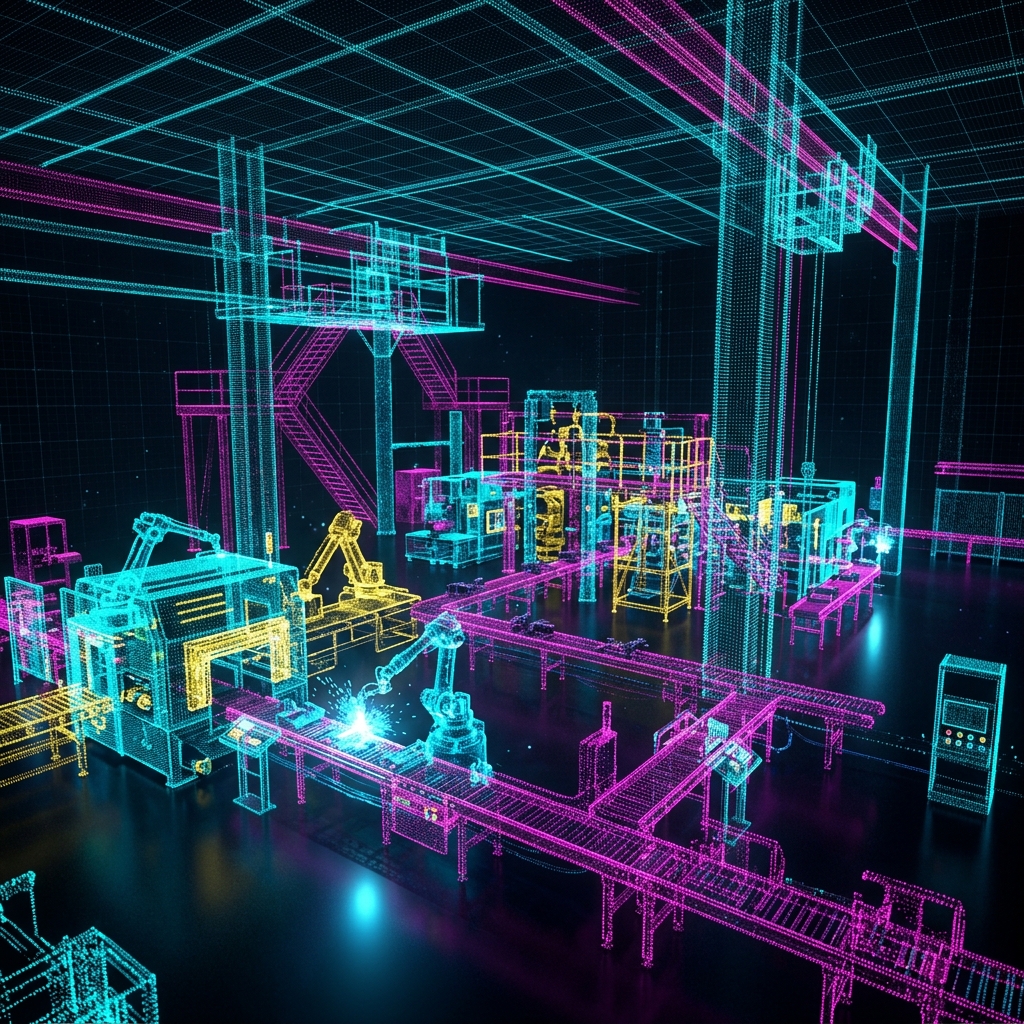
You have hired a 3D laser scanning service. They show up, set up a scanner on a tripod, spin it around for a few minutes, and hand you a file that is several gigabytes in size. You open it in your CAD software and see what looks like a colorful, three-dimensional constellation of millions of tiny dots.
That constellation is your Point Cloud — and it is one of the most powerful data formats in modern engineering and construction.
What Is a Point Cloud, Exactly?
A Point Cloud is a collection of data points in three-dimensional space. Each point has three coordinates: X, Y, and Z — defining its precise location in the real world. High-end scanners (like the Leica RTC360 or the Faro Focus) capture anywhere from 500,000 to 2,000,000 points per second.
Most scanners also capture the intensity (reflectivity) of each surface and often an RGB color value from a built-in camera. This means your point cloud is not just a geometric skeleton — it is a photorealistic, measurable replica of the physical environment.
How Accurate Is It?
This depends on the scanner and the distance. For terrestrial LiDAR (the tripod-mounted scanners used in construction), you can expect:
| Distance | Typical Accuracy |
|---|---|
| 0–10 meters | ±1–2mm |
| 10–30 meters | ±3–5mm |
| 30–100 meters | ±10–15mm |
For close-range handheld scanners used in industrial metrology (like Artec or Creaform), accuracy is tighter: ±0.05–0.1mm at arm's length.
What Can You Do With Point Cloud Data?
1. Create As-Built Drawings
This is the most common use case in the AEC (Architecture, Engineering, Construction) industry. Architects and contractors use point clouds to generate accurate floor plans, sections, and elevations of existing buildings — without a single tape measure.
2. BIM Modeling (Revit / ArchiCAD)
Point clouds are imported directly into Revit or ArchiCAD and used as a backdrop to model walls, ceilings, structural elements, and MEP systems. The result is a Scan-to-BIM model that accurately represents the as-built conditions.
3. Industrial Quality Control
In manufacturing, a scan of a finished part is compared against its original CAD model. The deviation between the two is displayed as a color-coded heat map: green areas are within tolerance, red areas are oversized, and blue areas are undersized. This is called a first article inspection and it can be done in minutes with a scanner versus hours with CMM probing.
4. Reverse Engineering
When no CAD model exists for a part — legacy machinery, custom tooling, worn components — a scan captures the geometry precisely enough to reconstruct a parametric CAD model via reverse engineering.
5. Clash Detection
New construction or renovation projects often involve adding new systems (HVAC, electrical, plumbing) to an existing building. By overlaying the new design BIM model on top of the existing point cloud, engineers can identify every location where a new pipe will collide with an existing beam — before construction begins. Fixing a clash in a model costs nothing; fixing it on site costs thousands.
What Point Cloud Data Is NOT
Understanding limitations is just as important:
- It is not a mesh or a solid model. You cannot directly 3D print from a point cloud or machine from it. The raw data must be processed into a surface mesh or a parametric CAD model first.
- It cannot see through walls. LiDAR is line-of-sight. Any area behind an obstacle requires a scanner re-position.
- Shiny and dark surfaces are challenging. Highly reflective or black surfaces absorb or scatter the laser, producing noisy or missing data. Specialized scanning techniques or reference sprays are used to mitigate this.
Common Point Cloud File Formats
| Format | Software | Notes |
|---|---|---|
.RCP / .RCS |
Autodesk (Revit, AutoCAD) | Industry standard for AEC |
.E57 |
Universal | Open format, widely supported |
.LAS / .LAZ |
GIS / Survey software | Compressed, ideal for large datasets |
.PTX |
Leica Cyclone | Raw scanner output |
.XYZ |
Generic | Simple ASCII, no color |
From Raw Scan to Useful Deliverable
At Replix3D, we do not just hand you a raw point cloud file and wish you luck. Our workflow is:
- Site Capture — Multi-scan setup with targets for registration accuracy
- Registration — Aligning all individual scans into one unified coordinate system
- Cleaning — Removing noise, scanner artifacts, and unwanted objects (people, equipment)
- Deliverable — Depending on your need: registered E57/RCP file, Revit model, AutoCAD floor plan, or deviation heat map report
Want to understand what a 3D scan could do for your specific project? Contact us for a free consultation — we serve the Greater Los Angeles area and can be on your site within 48 hours.